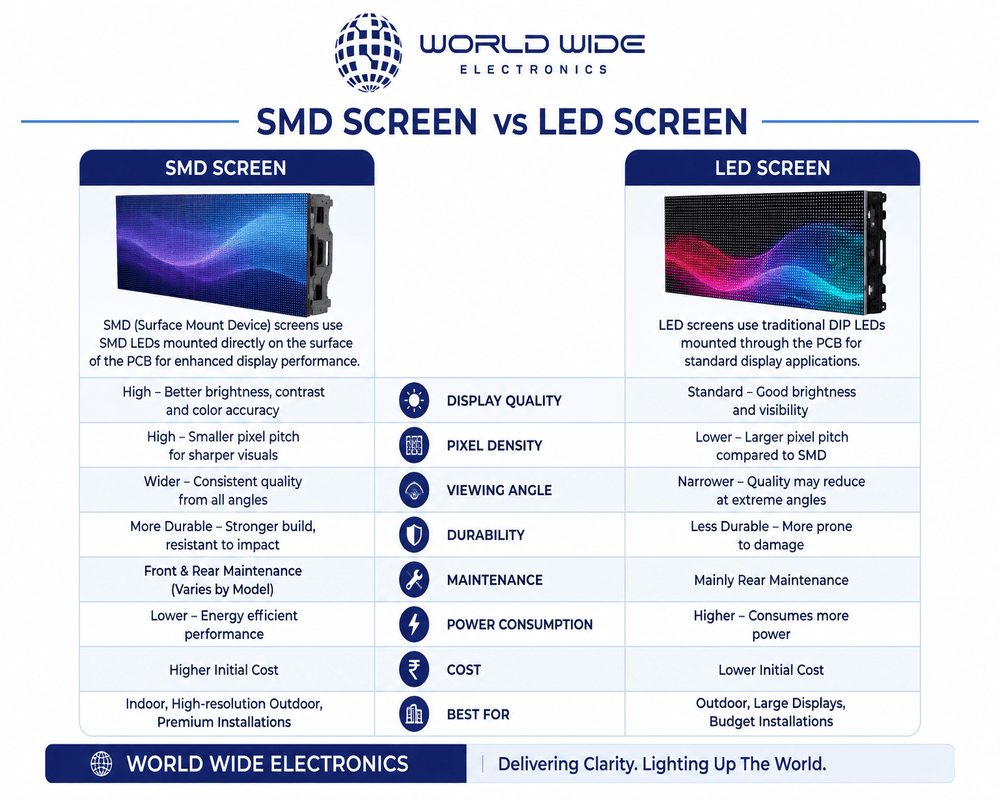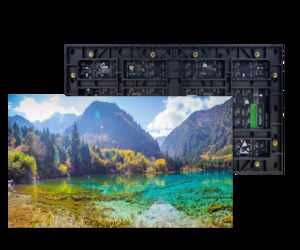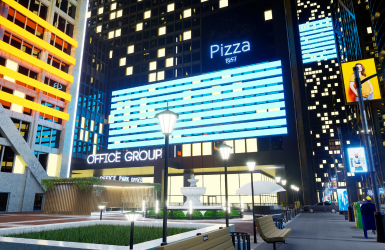
Quick answer: LED screen refresh rate is how many times per second the screen redraws its image, measured in hertz (Hz). A higher refresh rate gives a steadier image and avoids the scan lines and flicker that cameras can capture. For screens that will be filmed, such as event stages, studios and broadcast backdrops, ask for the refresh rate in writing and check it against the camera settings you plan to use.
If you are planning an indoor SMD screens for a stage, a studio or a hall that will be recorded, refresh rate is one of the specifications that matters most. The eye may not notice a low refresh rate in the room, but a phone or camera often does. This guide explains what refresh rate means, why it shows up on camera, and what to ask a supplier before you buy.
What LED Screen Refresh Rate Means
An LED screen does not show a still picture. It redraws the image many times each second, and each redraw refreshes every LED on the screen. The refresh rate is the number of full redraws per second. The higher the figure, the more often the image is redrawn, which is why a higher figure gives a steadier picture.
Refresh rate is different from brightness, resolution and pixel pitch. A screen can be very bright and sharp but still have a low refresh rate. Each specification controls a different part of the picture, so compare them separately.
Refresh Rate and Grey Scale Are Linked
Refresh rate works together with grey scale. Grey scale is the number of brightness steps each LED can show between off and full. The higher the grey scale, the smoother the shading in dark areas and gradients. A screen with a high refresh rate but low grey scale can still show banding in dim scenes.
Suppliers often quote grey scale as a bit depth. A higher bit depth gives smoother shading. Ask for both the refresh rate and the grey scale on the spec sheet, and check that they apply to the same configuration of modules and controller.
Why Refresh Rate Shows Up on Camera
Cameras record in frames, and each frame has its own shutter time. If the screen refreshes slowly, the camera can capture a moment when part of the screen is dark or only partly lit. The recording then shows horizontal lines, rolling bands or flicker that were not visible to the people in the room.
This is the main reason event and broadcast screens are specified with higher refresh rates. The problem is most visible on phones, action cameras and studio cameras with fast shutter speeds. Screens that look perfectly steady in person can show scan lines on a recording, especially when the camera is at a shallow angle.
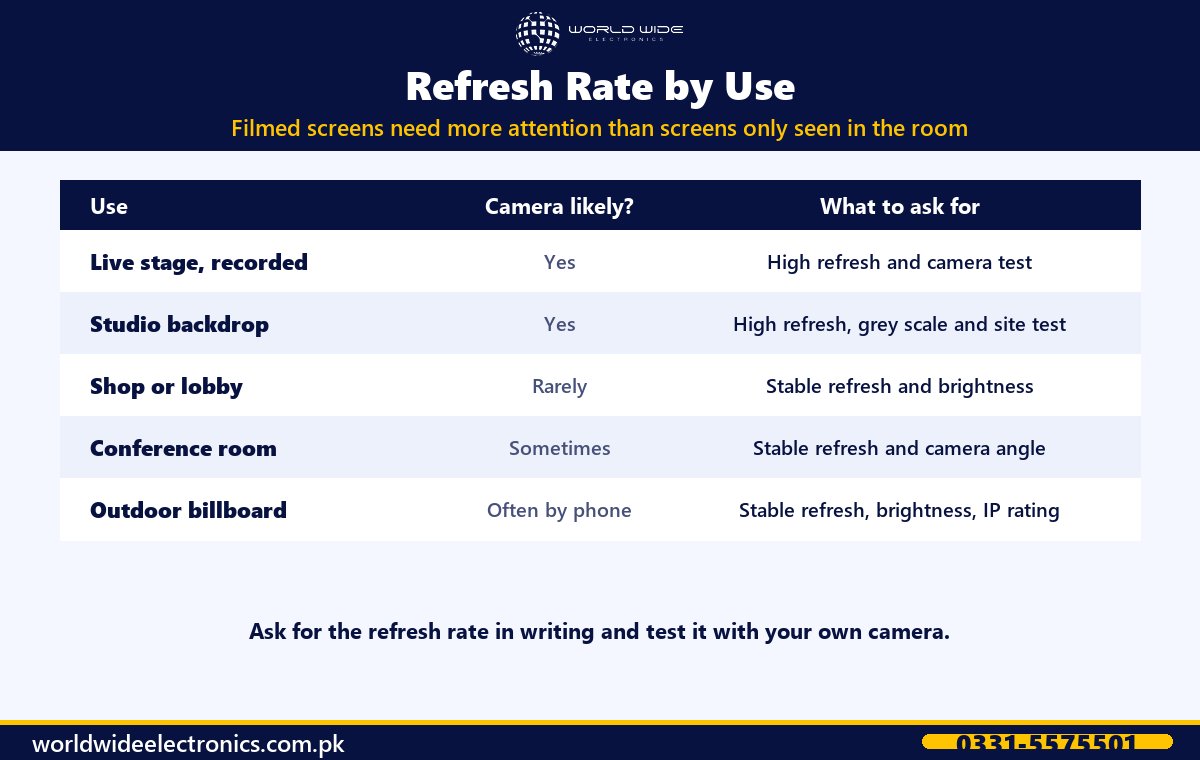
Refresh Rate Compared with Common Uses
| Use | Is camera use likely? | What to ask for |
|---|---|---|
| Live stage with recording or streaming | Yes | High refresh rate and matched camera settings |
| Studio or broadcast backdrop | Yes | High refresh rate, high grey scale and a test on site |
| Shop or lobby display seen by people only | Rarely | Stable refresh rate and good brightness |
| Conference room with video calls | Sometimes | Stable refresh rate and tested camera angle |
| Outdoor billboard | Often by phone | Stable refresh rate, brightness and IP rating |
How to Check the Refresh Rate Before You Buy
Refresh rate is easy to misread on a spec sheet, so check these points before you order:
- Ask for the figure in writing. Confirm the refresh rate for the exact module and controller you will supply, not only for the brand in general.
- Check the scan method. The scan method describes how the rows of LEDs are driven. Ask how it affects the refresh rate and the flicker on camera.
- Ask for a test on site. A short test with the same camera, shutter speed and angle that the event team will use shows the real result.
- Confirm the grey scale. Smooth shading in dark scenes depends on it, so ask for the figure next to the refresh rate.
- Check that the controller supports the setting. A high refresh rate on the spec sheet means nothing if the controller cannot drive it at the resolution you need.
Camera-focused screens are often marketed with very high refresh figures. Treat any marketing figure as a starting point for comparison, and confirm the value and the test result with the supplier before you rely on it.
Camera Settings That Affect the Result
The screen is only one part of the picture. The camera settings can hide or show the refresh pattern:
- Shutter speed: a fast shutter freezes the screen and can reveal scan lines. A shutter speed that matches the refresh rate can reduce the banding.
- Frame rate: a frame rate that does not suit the screen can cause rolling bands. Test the frame rate you plan to record at, not only the default.
- Camera angle: a shallow angle often shows more banding than a straight-on view.
- Brightness: a screen set too bright can wash out the image or make the banding more visible. Set brightness with the camera in place.
If the event team uses a broadcast camera, ask them for their shutter and frame settings before the test. A screen can pass a test with one camera and fail with another.
Common Mistakes When Choosing a Refresh Rate
Buyers often make the same few mistakes. Avoid these to get a screen that works on camera:
- Choosing by brightness alone. A bright screen with a low refresh rate can look good in the room and poor on a recording.
- Relying on a single number. Refresh rate, grey scale and scan method work together. Compare them as a set.
- Skipping the camera test. A spec sheet cannot show how the screen looks on a particular camera. A short test on site can.
- Mixing modules from different batches. Differences in the module can change how the image looks on camera, even when the spec is the same.
How to Run a Camera Test on Site
A camera test is the most reliable way to check refresh rate for a filmed event. Set it up a few days before the event, if the venue allows it, so there is time to adjust the settings. Use the same camera body, lens, frame rate and shutter speed that the production team will use on the day. Film the screen at the distance and angle of the main camera position, not from the middle of the hall.
Record at least two short clips. In the first, show a plain white or grey test pattern. In the second, show a moving image that matches the real content, such as a live feed or a video with motion. Play both back on a large monitor and look for scan lines, rolling bands and flicker. Repeat the test with a different shutter speed if the first result is poor.
Keep the test notes with the screen documents. If the event team changes the camera later, you can repeat the test quickly and compare the results. A written test record also helps when you discuss a warranty or a replacement with the supplier.
Refresh Rate and Screen Size
Refresh rate does not depend on the screen size, but the controller and the cabling must support the total pixel count. A large screen with a high refresh rate needs a capable controller and enough data bandwidth. Check the resolution and the refresh rate together for the full screen, not one cabinet at a time. Our guide to SMD screen sizes and pixel pitch explains how size and resolution are linked.
Where a High Refresh Rate Matters Most
For a screen that is only viewed in the room, a stable refresh rate with good brightness is usually enough. For screens that are filmed, a higher refresh rate is worth the extra cost. Event stages, church and mosque broadcasts, school and university recordings, and studio backdrops are common examples. If you are planning a screen for an event, read SMD Screen for Events in Pakistan to see how screens are used at live events. For a mosque screen that shows prayer times and a bayan, read our SMD screen for mosque guide.
Related guides: SMD Screen Sizes and Pixel Pitch Guide and SMD Screen for Events in Pakistan.
Frequently asked questions
What is a good refresh rate for an LED screen?
There is no single right number for every project. For a screen that will be filmed, a higher refresh rate is safer, and the figure should be confirmed in writing and tested with the camera you plan to use. For a screen seen only in the room, a stable refresh rate with good brightness is usually enough.
Why does my LED screen show lines on my phone but not to my eye?
Phone cameras use a fast shutter, which can capture a moment when part of the screen is dark. The eye blends the refresh over time and does not see the same pattern. Test with the same phone and camera settings before the event.
Does refresh rate affect the price?
Yes, a higher refresh rate usually depends on better drivers and a suitable controller, so it can change the price. Ask the supplier for a quote with the refresh rate stated, so you can compare offers on the same basis.
Can the refresh rate be changed after installation?
Not always. The refresh rate depends on the module, the receiving card and the controller settings. Some settings can be adjusted in the software, but a higher figure may need a different module or card. Confirm this with the supplier before you install.