
SMD LED Screen for Conference Rooms: The Complete Guide to Smarter Business Meetings in 2026
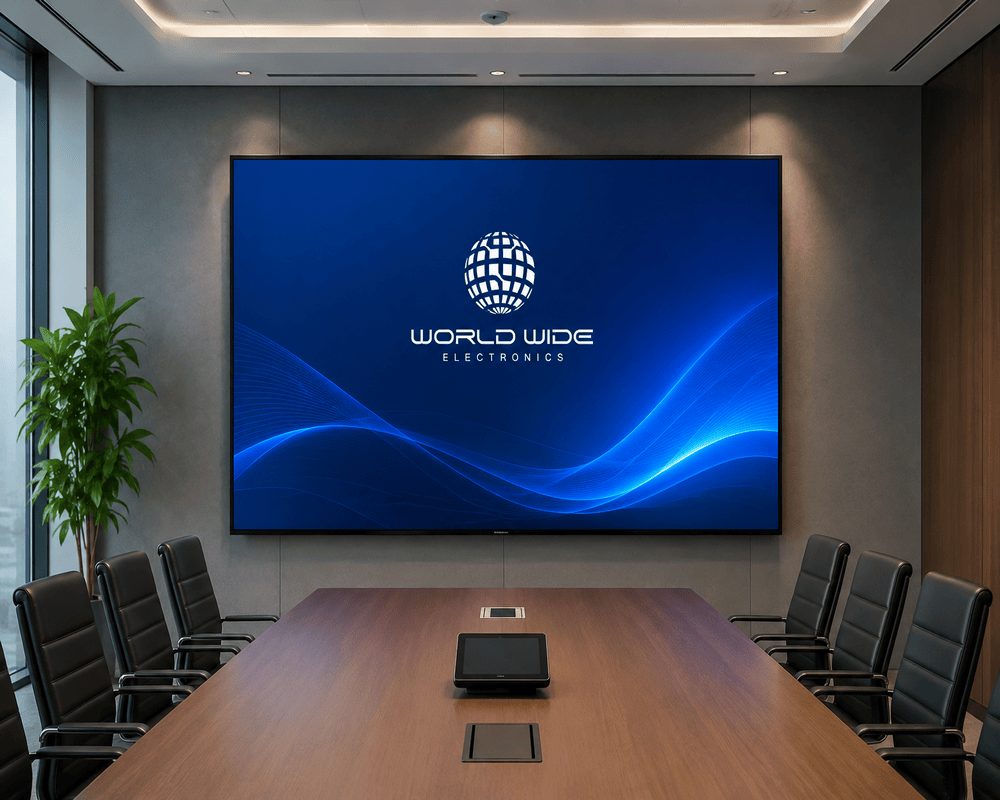
Introduction: Your Conference Room Is Costing You More Than You Think This scenario plays out in thousands of corporate offices every single day. An SMD LED screen for conference rooms delivers bright, seamless, high-definition visuals in any lighting condition without the maintenance headaches of traditional projectors making meetings faster, cleaner, and more productive from day one. For hands-on meetings and presentations, you can also compare our interactive touch panels for boardrooms. The way we hold meetings has changed permanently. Hybrid work is the norm. Clients expect polished, professional presentations. Data-heavy dashboards demand true color accuracy. And the technology powering your meeting room needs to keep up. The good news? The era of the SMD LED conference room display has well and truly arrived and it is more accessible than ever before. “Viewers retain 42% more information when content is displayed on high-resolution screens.” Harvard Business Review What Is an SMD LED Screen and Why Does It Matter for Meetings? SMD stands for Surface Mount Device. It is the LED packaging technology where tiny red, green, and blue diodes are mounted directly onto the surface of a circuit board, creating pixel clusters that produce full-color images. Unlike older DIP (Dual In-line Package) LED technology, SMD LEDs sit closer together. This produces finer pixel pitches, richer colors, wider viewing angles, and screens that look genuinely stunning up close which is exactly what you need inside a conference room. The corporate market has taken notice. The global SMD LED displays market was valued at USD 6.5 billion in 2024 and is forecast to grow at a compound annual rate of 12.3% through 2033, reaching USD 18.46 billion. SMD technology alone held 77.20% of all LED display shipments in 2025, making it the dominant and proven choice for commercial installations. For conference rooms specifically, the sub-10 m² panel segment is growing at a 6.97% CAGR driven directly by corporate buyers replacing projectors and LCD walls with compact LED solutions. Conference Room LED Display vs. Projector: The Honest Comparison This is the question every IT manager and facilities team asks before a procurement decision. Here is a straightforward breakdown. Brightness and Ambient Light Modern offices have natural light. Around 80% of offices now incorporate daylight through windows or glass panels, according to U.S. GSA research. Projectors require a dark or dimmed room to perform. An SMD indoor LED screen for meeting rooms typically operates at 800–1,200 nits of brightness, delivering crystal-clear visuals under full office lighting with no compromise. Viewing Angles SMD LED video walls for conference rooms support viewing angles up to 160 degrees. Every seat in the room whether directly in front or at the far corner sees the same consistent image. LCD panels shift in color and brightness at wider angles. Projectors create hotspots. Lifespan and Total Cost of Ownership A quality SMD LED display is rated for 100,000+ hours of operational life. A projector lamp typically needs replacement every 2,000–5,000 hours, and each replacement adds cost and downtime. Over a five-year period, projector maintenance costs lamps, filters, recalibration, downtime frequently exceed the cost savings of the lower upfront price. Seamless Image Quality LCD video walls, even with ultra-narrow bezels of 0.88mm, still have visible seams. For financial presentations, architectural drawings, or large-scale data visualization, those seams are distracting and unprofessional. An SMD LED video wall for a conference room is completely seamless by design. Quick Reference Table Feature SMD LED Screen Projector LCD Video Wall Ambient Light Performance Excellent Poor Good Viewing Angle Up to 160° Variable 170° (color shift) Seams None None Visible bezels Lifespan 100,000+ hours 2,000–5,000 hrs (lamp) 50,000–70,000 hours Noise Silent Fan noise Silent Maintenance Modular, front-access Frequent Panel replacement Hybrid Meeting Support Excellent Limited Good Choosing the Right SMD LED Screen for Your Conference Room Step 1: Understand Pixel Pitch Pixel pitch is the distance between the centers of two adjacent pixels, measured in millimeters. It is the single most important specification for an indoor LED screen in a meeting room. The smaller the pixel pitch, the sharper the image at close distances. For conference rooms where participants typically sit within 2–4 meters of the screen, you need a fine pitch display. Industry recommendations for conference room installations: P1.2 to P1.5mm — Premium boardrooms and executive suites. Viewers within 1.5–3 meters. Ultra-sharp text and fine data visualization. P1.5 to P2.5mm — Standard mid-size conference rooms. Viewers at 2–4 meters. The most popular range for corporate meeting spaces. Delivers 4K-equivalent clarity. P2.5 to P3.91mm — Larger training rooms and auditoriums. Viewers at 4–8 meters. A cost-effective choice where viewers are seated further back. A practical rule: multiply the pixel pitch by 1,000 to get your minimum viewing distance in meters. A P2 display needs viewers at least 2 meters away for a sharp image. Step 2: Calculate the Right Screen Size Screen size should be proportional to your room. A screen that is too small defeats the purpose. One that is too large can overwhelm a small space. For most conference rooms, the screen width should be approximately one-third to one-half of the room’s length. If your room is 6 meters long, a screen between 2 and 3 meters wide works well for the majority of setups. Common conference room SMD LED screen sizes: Small rooms (under 20 sqm): 2m x 1.1m to 2.4m x 1.35m Medium rooms (20–40 sqm): 3m x 1.7m to 4m x 2.25m Large boardrooms and training rooms (40+ sqm): 4m x 2.25m and above Step 3: Check Brightness Specifications For indoor conference rooms with controlled lighting, 600–1,200 nits is the target range. You do not need outdoor-level brightness inside. Excessively bright screens cause eye fatigue during long meetings. If your meeting room has large windows or south-facing glass, stay toward the higher end of that range. Step 4: Confirm Integration Compatibility Your new corporate meeting room display solution needs to work with your existing ecosystem. Before ordering, confirm: Video conferencing platform support: Does it natively integrate with Zoom, Microsoft Teams, and Google